
Get a quick quote

Education Resources
At KRCS, we understand teaching and learning so we’re here to help you. With so much choice available, choosing the right Apps, Books, learning platforms, assessment and online learning tools to help remote learning can be challenging, so we have collated some of the most popular and useful that are available.
Learning resources from KRCS
Our video series on Teaching with iPad guides you through how you can use iPad in your classroom for a project.

Teaching with iPad: Getting Started.
In this session we'll start our project on the Romans. See how to share your screen with students, annotate work or materials with Apple Pencil and help students focus with Apple Classroom.

Teaching with iPad: Plan, Teach & Assess.
In part two of this series we'll continue with our project on the Romans and plan, teach and assess a lesson, all on iPad. Whether it's written feedback, collaboration, distance-learning or verbal feedback, it can all be achieved with iPad.

Teaching with iPad: Showcasing Student Success.
In this last session we'll finish off our project and cover how students can demonstrate their learning from a unit of work. You'll see how iPad enables students to show their knowledge in multiple ways, many that we wouldn't traditionally think of!
Learning resources from Apple
Apple are supporting schools and educators with the following remote learning resources
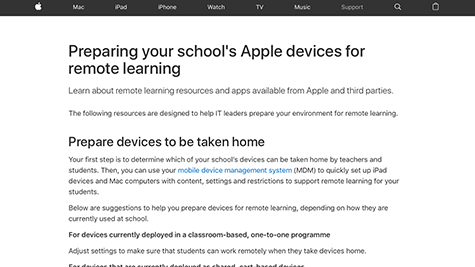
Guide to preparing devices for remote learning
Learn about remote learning resources and apps and how to prepare your environment for remote learning.
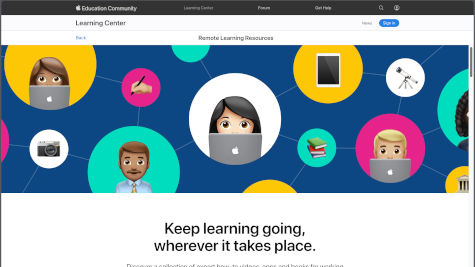
Remote learning resources
Apple Education Learning Series. A collection of expert videos, apps and books for learning at home. See how students can be kept engaged learning from anywhere using iPad. Curated by Apple.
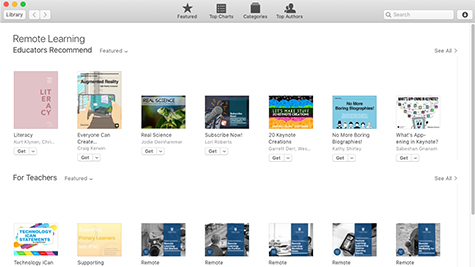
Remote learning Books
A range of books for remote learning are available to download, for teachers and students, from primary literacy to technology.
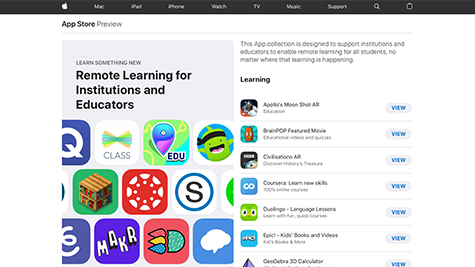
Remote learning apps
Remote Learning for Institutions and Educators. An informative collection of apps designed to support and enable remote learning for all students. From learning to creativity, to workflow and cloud storage you'll find an app in this list to suit you and your students needs.
Learning resources from Showbie & Seesaw

Showbie
Digitise your classroom practice with Showbie. Prepare, share, complete and assess work with iPad. As a Showbie Partner, KRCS can show you how.
Seesaw
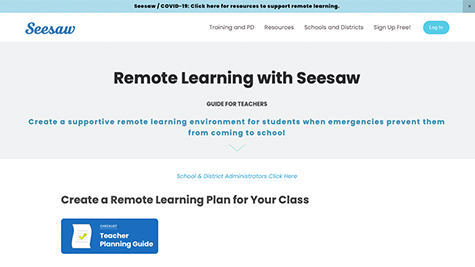
Share home learning lessons and resources, whether you are new to using Seesaw or an existing user. They offer a wealth of advice to help create a supportive home learning environment for your students.
For more information about learning resources please get in touch with our Education team on 0115 985 1797 or email edsales@krcs.co.uk