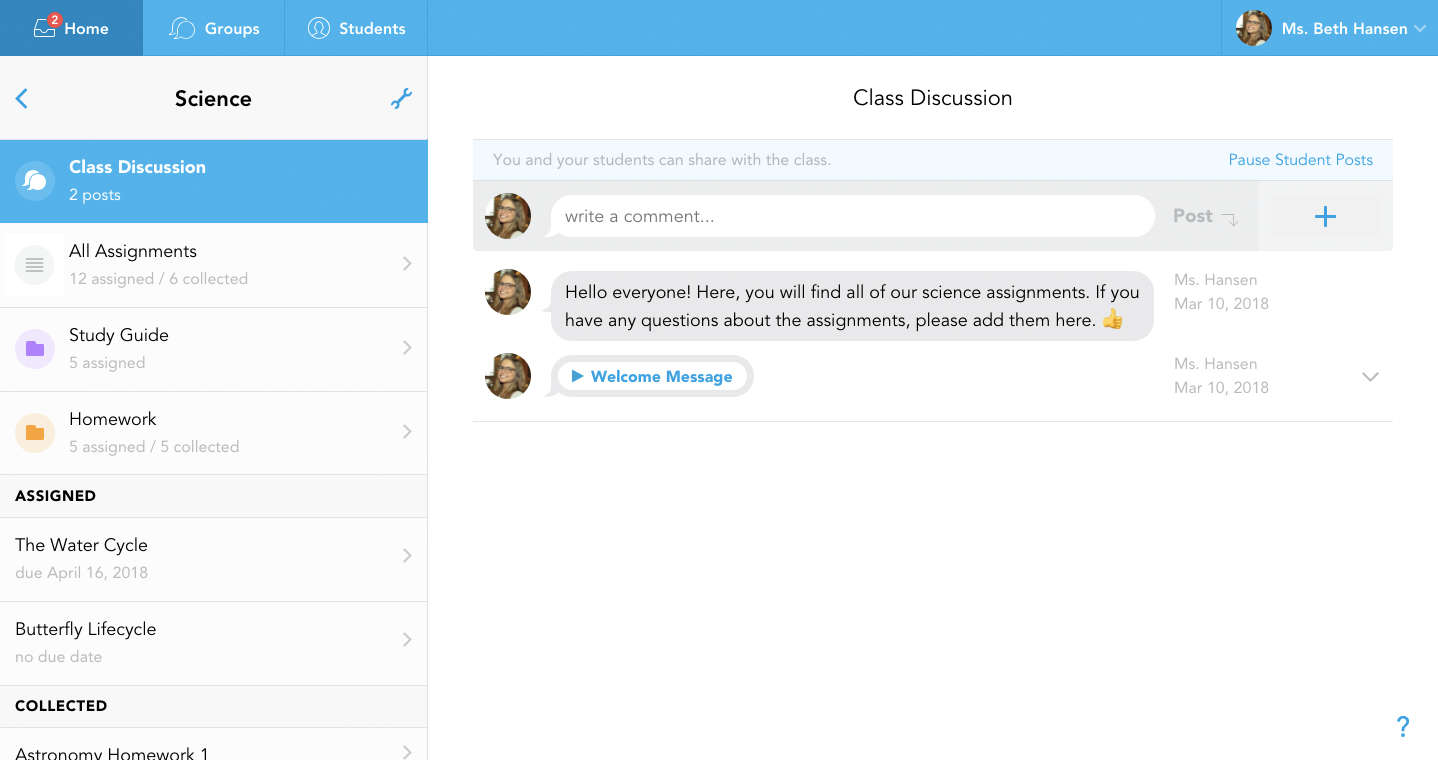
Bring your daily teaching practice to iPad. No need to change what you do.
Teach as you always have from anywhere, anytime, with Showbie.
Your Classroom.
Your practice. All digital.
Best on iPad.
A seamless experience.
A Showbie Partner.
Here to help with every step.
Contact us
At KRCS, we help schools integrate technology to create connected, purposeful learning environments.
Showbie on iPad is designed for education, powered by pedagogy and helps schools embed effective classroom routines at scale, creating an ecosystem where technology supports teaching, feedback, and learning progression.
Best on iPad.
Showbie keeps you and your students on the same page, whether you're an Apple, Microsoft or Google school, Showbie works seamlessly in the classroom with tools you already know and love.
High-impact digital learning happens when pedagogy, technology, and support work together. Showbie provides the learning layer that connects instruction, practice, assessment, and feedback in one place. KRCS provides expert training, deployment, and ongoing device support, so your school gets the tools, confidence, and expertise to succeed.
For teachers
- Distribute work, give feedback, and track progress
- Flexible ways to respond using voice, ink, video, or text
- Clear visibility into who needs extra support
For school leaders
- Insight into classroom practice, engagement, and progress
- Evidence to support improvement planning and CPD
- Confidence that investment is supporting learning
For students
- Ongoing access to explanations, modelling, and feedback
- Multiple ways to show understanding
- A clear record of learning over time
Assignments made easy.
Share Anything
Instantly distribute documents, images, instructions and comments to your entire class, a group of students, or individual students.
Class Folders
Create any number of folders within a class to keep your assignments and documents organised and easy to find.
Photos + Video
Grab an image or video from your camera roll, or capture a document on the fly with your device’s camera, then crop and adjust it in Showbie.
Documents from Anywhere
Add documents from your computer, favourite iPad app, Dropbox or Google Drive in a couple of taps.
Comments, Links + Voice Notes
Quickly add instructions, guidance, or links to assignments. You can even record a voice note with verbal instructions for your students.
Access preloaded lessons plans and assignments! (beta)
Upload your own maths or language arts content or select from hundreds of assignments and lessons plans, already loaded into Showbie.